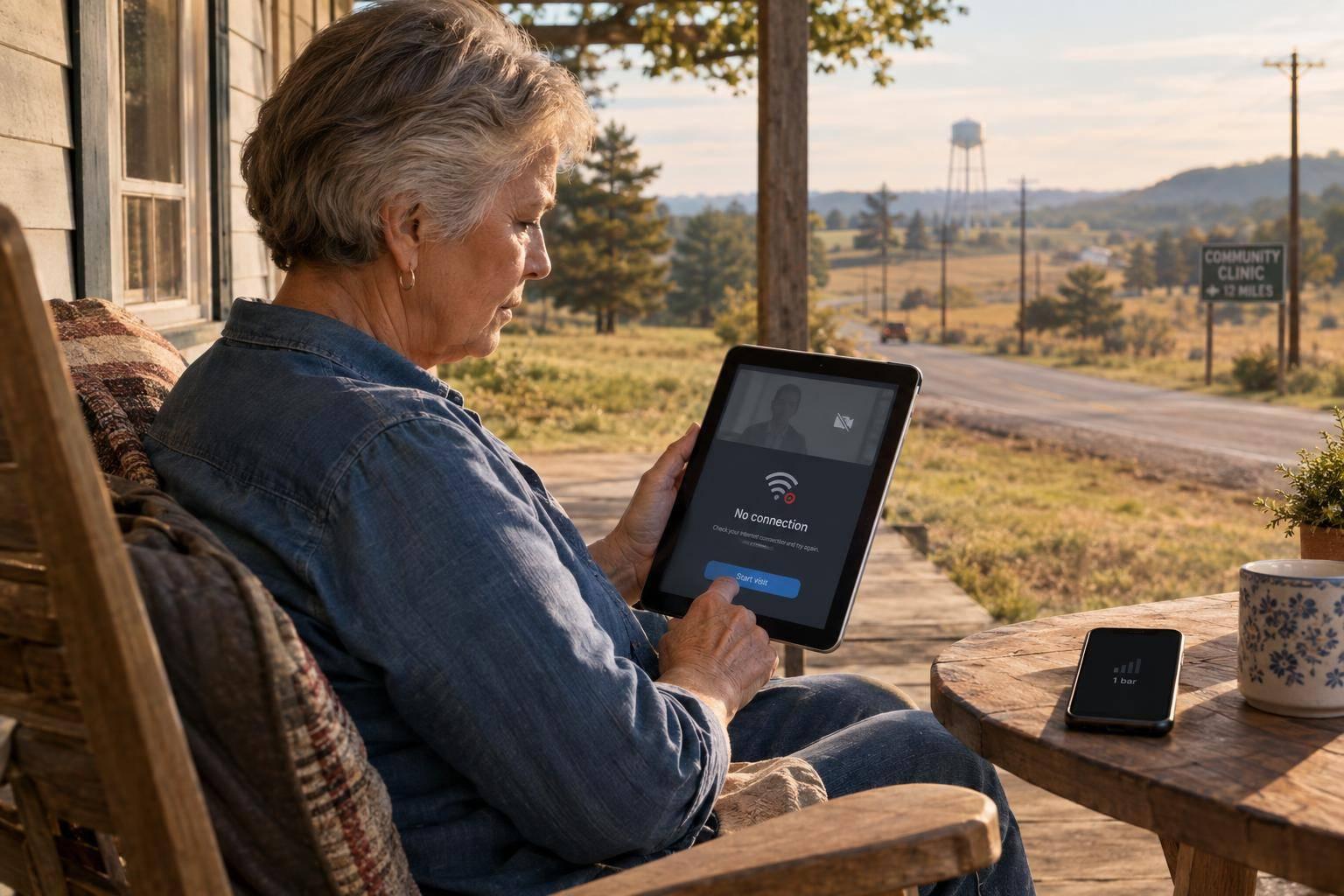
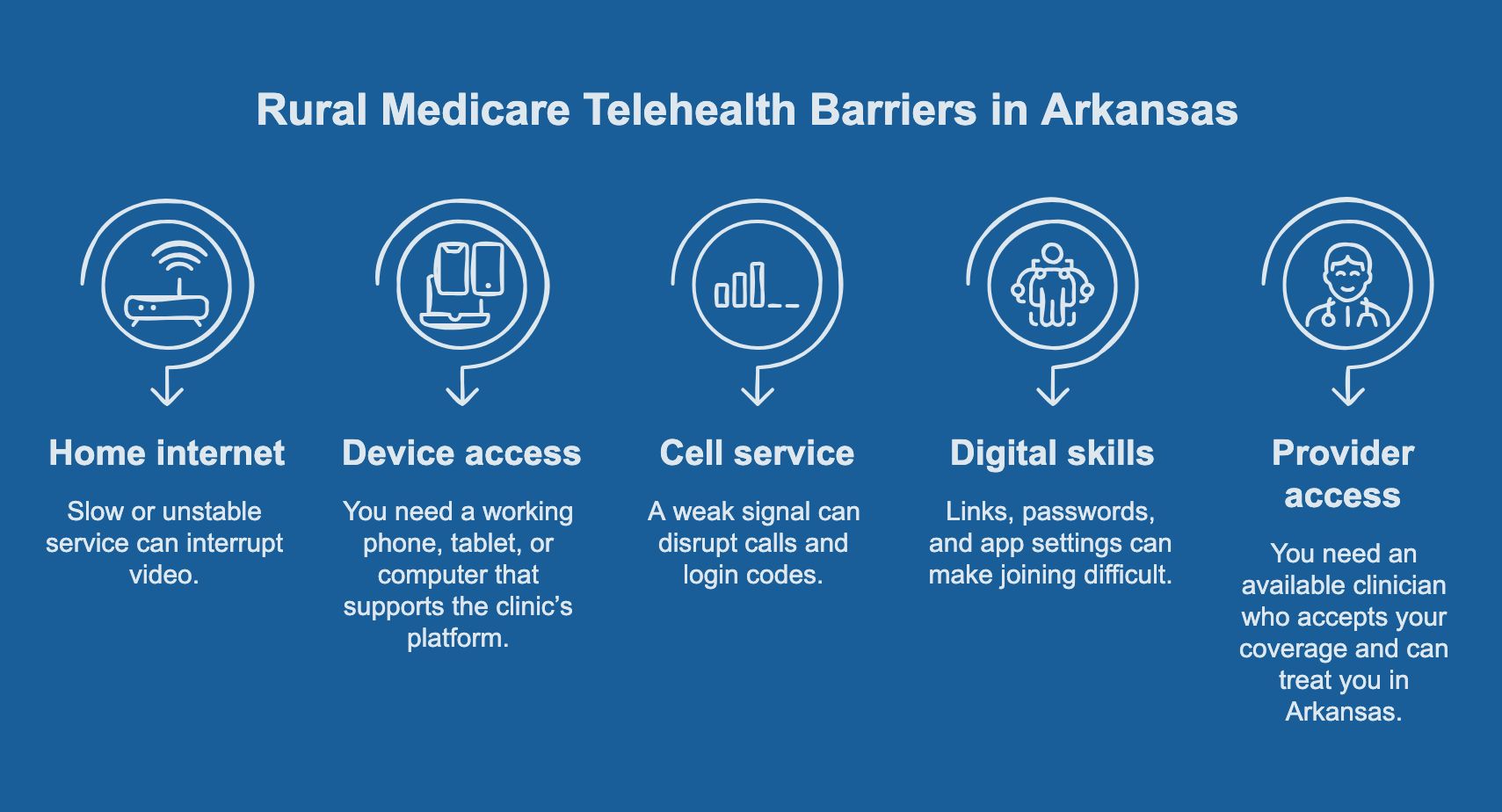
Before booking a telehealth visit, I’d confirm coverage, test the connection, and agree on a backup plan with the clinic. In rural Arkansas, five barriers can stand between you and remote care:
- Home internet: Slow or unstable service can interrupt video.
- Device access: You need a working phone, tablet, or computer that supports the clinic’s platform.
- Cell service: A weak signal can disrupt calls and login codes.
- Digital skills: Links, passwords, and app settings can make joining difficult.
- Provider access: You need an available clinician who accepts your coverage and can treat you in Arkansas.
I’d also check the bill: With Original Medicare, you generally pay 20% of the Medicare-approved amount after meeting the Part B deductible. Medicare Advantage costs and network rules vary by plan.
Phone-only care isn’t automatically covered. Confirm current coverage before scheduling through Medicare.gov, 1-800-MEDICARE, or your plan.
From Rural Clinics to Remote Recovery: How Telehealth Is Transforming American Healthcare
sbb-itb-b725090
Check Medicare Coverage Before Scheduling
Before working through the five barriers, check your coverage. Original Medicare and Medicare Advantage cover telehealth differently. Make sure the clinician accepts your coverage. If you have Medicare Advantage, also check that the clinician is in your plan’s network. Then confirm the cost.
With Original Medicare, you generally pay 20% of the Medicare-approved amount after meeting the Part B deductible. Medicare Advantage costs vary by plan and may include a set copayment. Ask your plan and the provider’s billing office what you’ll owe for the visit.
Coverage also depends on the service, clinician, and visit format. Phone-only visits aren’t automatically covered. Ask whether your visit qualifies for phone-only care and whether you need an in-person visit. If the format is unclear, check Medicare’s official guidance before scheduling.
For current rules, visit Medicare.gov or call 1-800-MEDICARE. If you have Medicare Advantage, ask your plan about its telehealth benefits, too.
In rural Arkansas, a strong signal or working device doesn’t guarantee coverage. Confirm coverage and billing rules first, then troubleshoot your app, device, or internet with confidence.
1. Unreliable Home Internet
Once coverage is confirmed, you’ll need an internet connection strong enough to support the visit.
Effects on Telehealth
Live video needs more bandwidth and a steadier connection than audio-only care. Weak home internet can cause a Medicare insurance video visit to freeze or cut out.
Common Problems
In rural Arkansas, households may have no internet service, slow speeds, an unstable connection, or a plan they can’t afford.
Steps to Try
Run a speed test on the device you’ll use for the visit. Move closer to the router, then restart the modem and router before testing again. These steps may help with a weak connection, but they won’t solve a lack of service or make a plan more affordable.
Coverage Questions
If video still fails, ask whether a phone visit is an approved backup for that appointment. If connection problems persist, the next thing to check is the device itself.
2. Limited Device Access
Effects on Telehealth
A stable connection is only part of the setup. You also need a phone, tablet, or computer that works with the clinic’s telehealth platform and supports video or audio.
Common Problems
You might not have a device, or your older device might not run the clinic’s app. Low storage, a faulty camera or microphone, and short battery life can also interrupt a visit. If you share a device, set aside a time when no one else needs it.
Steps to Try
Ask the clinic whether your device works with its platform and how much storage the app requires. Install and test the app before your visit, including the camera and microphone. Fully charge the device and reserve it for your appointment.
Don’t have a device? Ask your local clinic or senior center whether it has a private telehealth room or booth for patients. Confirm availability before you go rather than assuming there’s one you can use.
Coverage Questions
Medicare pays for the visit - not your device or internet service. If video won’t work, let the clinic know before your appointment and ask which backup format your Medicare plan covers.
If your device is ready but the call still drops, check your cell service next.
3. Weak Cell Service
Effects on Telehealth
Weak cell service can disrupt a telehealth visit even when your device works properly.
Common Problems
A weak signal can lead to dropped calls, frozen video, and login codes that never arrive.
Steps to Try
Before your appointment, test cell service in the exact spot where you’ll take the visit. Use Wi-Fi for video when you can.
Agree on a backup contact method with the clinic, and confirm which number the provider should call if video fails. A backup phone call can also fail if cell service is weak.
Coverage Questions
Ask whether your Medicare Advantage or Supplement plan covers audio-only visits and how much you’ll owe if your visit switches from video to phone.
If your signal works but the visit still fails, the next barrier is the digital tool itself.
4. Trouble Using Digital Health Tools
Effects on Telehealth
A working signal doesn’t guarantee you can join your visit. Confusing login steps can delay your appointment or prevent you from joining.
Common Problems
It’s easy to miss an appointment link, and a forgotten password can lock you out of the portal. Camera or microphone permissions may prevent video or audio from working. Online forms can also slow down or block check-in.
Steps to Try
Ask the clinic for large-print instructions and a practice call before your appointment. Store your login details in one secure place. If you’d like a caregiver’s help, give your consent and ask for authorized portal access rather than sharing your password.
When you schedule, ask for any hearing, vision, mobility, or language support you need.
If the portal fails, ask the clinic for a reset link, another way to check in, or a phone backup.
If you still can’t get in, the problem may be the provider’s availability - not your device.
5. Limited Provider Access
Effects on Telehealth
A working device and connection don’t guarantee access to a telehealth clinician. Ask about appointment openings or a waitlist. If you have Medicare Advantage, your plan’s provider network may limit which specialists you can see.
Common Problems
Check whether the clinic provides the service you need remotely and whether the clinician is licensed to treat you in Arkansas. If either answer is unclear, call the office before booking.
Steps to Try
If your usual provider can’t see you soon, ask your plan or clinic for an in-network clinician. Then call that clinician’s office to confirm an appointment is available.
A local Medicare agent at Martin Agency in Pocahontas can help you review plan details, but the clinic must confirm availability.
Coverage Questions
With Medicare Advantage, confirm that the clinician is in your plan’s network before you book.
Get Help Before Your Telehealth Visit
Prepare before your appointment to avoid common telehealth problems. Keep a one-page pre-visit checklist beside your device. Write the appointment date as MM/DD/YYYY and the time with a.m. or p.m. and Central Time.
Test your camera, microphone, and internet connection before the visit. Get the login instructions, ask for a test call, and request interpretation or visual aids ahead of time.
Confirm your coverage and expected copays with Medicare or your plan. Save the office phone number on your phone and write it on paper. Ask what to do if the connection drops.
Conclusion: Prepare and Make a Backup Plan
The same five barriers point to one fix: prepare early and have a backup plan. For telehealth in rural Arkansas, check your coverage and device before the visit. Agree on a backup plan with the office so you know whether to reschedule or switch to in-person care if the visit fails.
Confirm that the office accepts your Medicare coverage. For current telehealth rules, including audio-only coverage, check Medicare.gov or call 1-800-MEDICARE. Arkansas SHIP can help explain your Medicare options.
Use the checklist, then call the office if anything fails.
FAQs
Will Medicare charge me if my telehealth connection fails?
The available information doesn’t confirm whether Medicare charges you when your telehealth connection fails. To check coverage, billing, or how technical interruptions are handled, review your plan’s Evidence of Coverage document or contact your insurance provider directly.
Need help sorting through the details? Martin Agency can explain your Medicare insurance options and help coordinate your healthcare benefits.
Where can I get help affording internet for telehealth?
If you’re having trouble paying for internet for telehealth visits, call Legal Aid of Arkansas at 1-800-952-9243. They can help with healthcare benefits and check whether you qualify for cost-saving programs. For guidance on available resources, you can also call Arkansas SHIP at 1-800-282-9134 or 1-800-224-6330.
Martin Agency’s licensed insurance agents can explain your Medicare coverage and connect you with local resources that may help you manage healthcare costs.
Do I need a referral for a telehealth specialist?
Whether you need a referral depends on your Medicare plan. Medicare Advantage plans often require specialist referrals, while Medigap plans typically don’t and offer access to more providers.
Check your plan’s rules and provider network to see whether your preferred specialist is covered and whether a referral is required. A licensed agent at Martin Agency can explain your plan’s requirements.